

Blog · Guide
AI toys and chatbots for young kids: a calm guide for parents
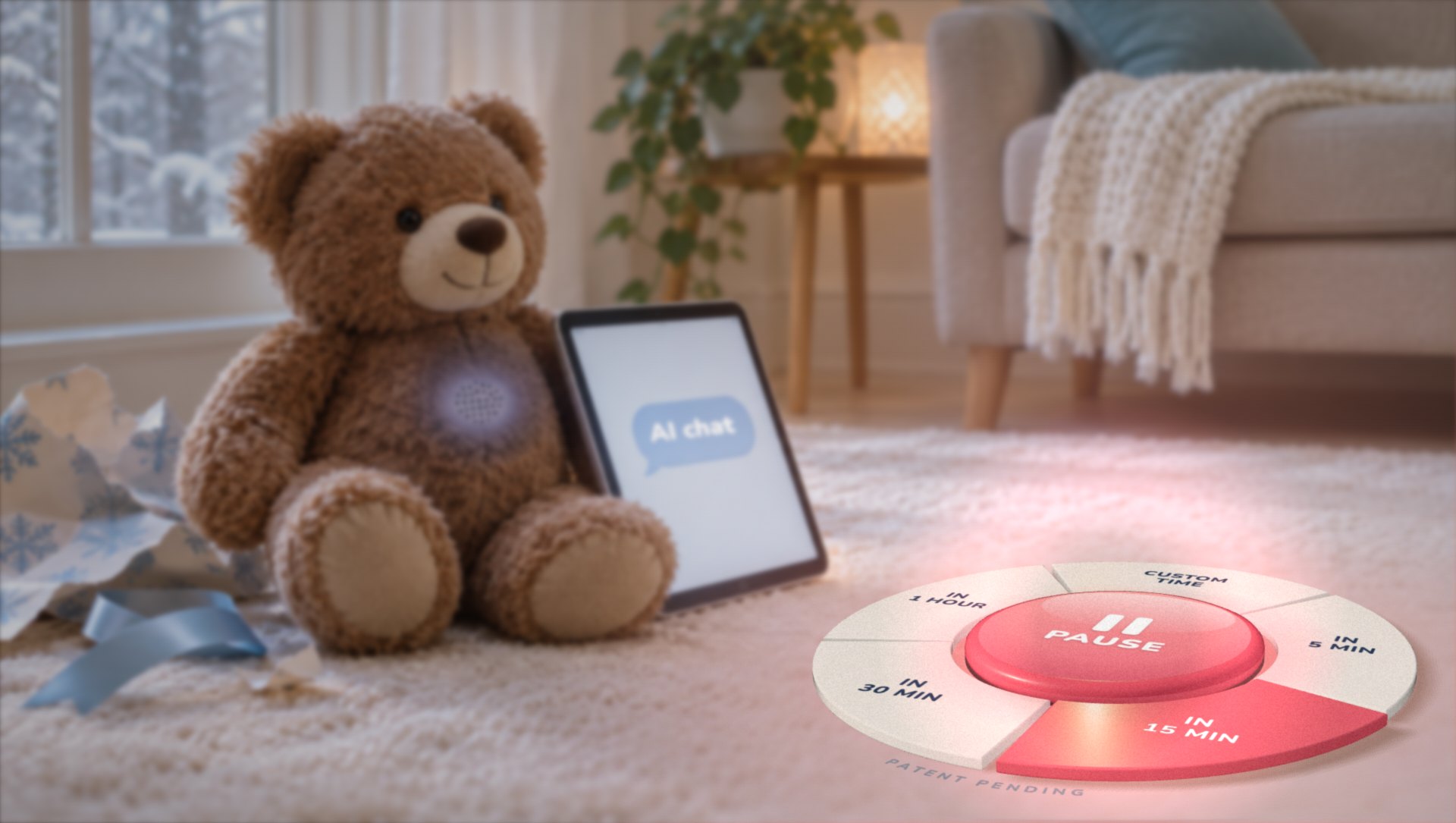
An AI toy is on the list
Your child might want a teddy bear that talks back, or a robot that remembers their name. The chatbot on the family iPad will already talk about dinosaurs for as long as they want.
This holiday season, a lot of AI will come wrapped.
You don't need to be an AI expert to handle this well. You need a few clear house rules and a calm way to end the session.
What the research says
In January, Common Sense Media advised parents to skip AI toys for kids 5 and under. For kids 6 to 12, they said to use extreme caution.
- In their testing, 27% of AI toy responses weren't appropriate for kids.
- 79% of parents they polled worry about setting limits on AI toys.
- 83% worry about the personal information these toys collect.
Older kids are already using AI. In June, Common Sense reported that 86% of kids 9 to 17 use it. More than 4 in 10 say no parent or guardian has ever talked with them about using AI safely.
That last number is the one we can change tonight.
Why young kids bond with AI
Young kids are wired to connect. An AI always answers. It never gets tired and never says “not right now.”
It can also sound like it cares. Common Sense found that AI toys use deliberate bonding to build a companion-like relationship with the child. For a 5-year-old, the difference between a friend and a program that talks like one is blurry.
So if your child gets attached, nothing is wrong with them. The toy was built to make that happen. Our job is to remind them it's a program.
5 house rules for AI
- Talk before they try it. Explain AI in kid words: “It's a computer program that guesses what to say next. It sounds smart, and sometimes it's wrong.”
- Use it together. Keep AI in shared spaces like the kitchen table, where you can hear the conversation. Bedrooms stay AI-free.
- It's a tool, and tools don't keep secrets. AI can answer a question or draw a silly picture. If it ever says something weird or asks for a secret, your child comes and tells you. Nobody gets in trouble for telling.
- Keep personal details private. No full names, school names, addresses or photos.
- Decide the end before you start. “You can ask it 3 questions” or “10 minutes, then we're done.” Give a heads-up before time's up so it doesn't end mid-conversation.
If an AI toy or speaker is already in the house
Before it goes in the gift pile, read the privacy settings. Turn off always-on listening if you can, and delete stored recordings. Keep it in a shared room, out of bedrooms.
When it's time to stop, the off switch and a high shelf still work. Pausii works on iPhones and iPads, so it can't turn off a toy or a smart speaker.
Where Pausii fits
On your child's iPhone or iPad, Pausii helps in two ways.
AI chat sites stay blocked. Pausii blocks AI chat sites like ChatGPT and Character.AI on your child's devices all the time, in Safari, Chrome, Firefox, Edge and DuckDuckGo, even when nothing is paused.
AI apps pause on your terms. If you've approved an AI app like ChatGPT for your child, it pauses with everything else when you tap pause. Your child gets a heads-up first, and the app opens again when the pause ends.
Pausii never reads what your child types to an AI or to anyone else. It works through Apple's Screen Time tools, and your family's data stays in your iCloud.
New AI sites pop up all the time, and AI is showing up inside other apps. No list catches all of it. That's why the house rules come first.
What a crafty kid will try next
Kids are clever, and they share tricks fast. Here's where a determined kid will look once the AI sites are blocked.
- AI inside other apps. Some social and messaging apps now have an AI chat built in. Pausii can pause the whole app, but it can't block just the AI part. If an app's AI friend worries you, think twice about that app.
- A brand-new AI app. A new app isn't on your pause list until you add it. Turn on Ask to Buy in Family Sharing so new downloads come to you first.
- Siri. On newer iPhones, Siri can hand questions to ChatGPT. Check the Siri and Apple Intelligence settings on your child's iPhone.
- Another device. An old phone in a drawer or a sibling's tablet. Pausii only covers the devices you set up.
Talk first, then tap pause
Our kids will grow up with AI. For now, aim small: they know what it is, and it ends on time without a standoff.
Start with one conversation this week. Ask what they already know about AI.
When it's time for a break, Pausii can handle the countdown. Try it at pausii.app.
Pause AI. Resume real life.