
Blog · Privacy
5 Questions to Ask Before Installing Any Parental Control App
A parental control app asks for a lot of trust. It lives on your kid's phone. It can see what they do. Some can even listen in on your kids, even while they're at school or a friend's house. And most send what they see somewhere you never think about.
I spent 20 years in mobile, a lot of it in mobile security, looking at what apps really do with the data they collect. So before I put anything on my daughters' devices, I ask the same 5 questions. Here they are. Use them on any app, including ours.
1. What does it collect, and does it need it?
An app should only take what it needs to do its job. If the job is pausing games at dinner, it doesn't need your kid's messages, location or browsing history. When an app collects more than its job needs, ask why.
2. Where does the data go?
Some apps send everything to the company's servers. Some also pass it to third parties, like advertising and analytics companies. Others keep it in your own account. Ask yourself one thing: if this company or one of its partners gets hacked tomorrow, what data about my family is exposed?
Pausii keeps your family's settings in your own iCloud. There's no Pausii server holding your kids' data. All of your family's Pausii data is stored and protected by Apple, a company that puts privacy first across billions of devices.
3. Does it follow Apple's guidance on privacy and security?
Not every parental control app works the same way under the hood. Some send all of your kid's internet traffic through the company's own network, called a VPN, so they can see every site and app your kid uses. Others ask you to install a “device management profile,” the same kind of tool companies use to manage work phones. Both can give an app a wide view into your kid's phone.
Apple built a safer way for parental control apps: its Screen Time tools. Apps built on them only see what Apple allows, and Apple keeps the rest private. For example, when you pick apps for Pausii to pause, Apple gives Pausii a coded stand-in for each app, not its name. So Pausii can give your kids a break without ever knowing which apps are on their devices.
4. Does my kid know it's there?
Hidden monitoring apps get found. Kids talk, and they're good at this. When they find one, the trust you lose is worth far more than anything the app showed you.
I'd rather my kids know the rules and help me shape them. Pausii is a visible app on their device, and kids get to choose how a heads-up appears before every break.
5. What does the App Store privacy label say?
Every app on the App Store has a privacy label. Scroll down on its page to “App Privacy.” Look for “Data Linked to You” and “Data Used to Track You.” A parental control app that tracks your kid for ads is a hard no for me. When Pausii launches, its label will say “Data Not Collected.”
Then skim the privacy policy for the words “share” and “partners.” That's where the surprises live.
Why this matters now
States like Texas, Utah and Alabama have passed laws that make app stores check kids' ages and get a parent's OK before downloads. And on October 19, the Tech Transparency Project released a report showing test accounts set up as 13-year-olds, with parental controls on, still downloading apps no kid should have.
More of our kids' information is moving around than ever. The tools we add on top should take less, not more.
The best parental control app knows as little about your kid as it can.
That's how I built Pausii. It does one job: pause the kids' apps you choose, anytime, then bring them back, anytime. Everything else stays with your family.
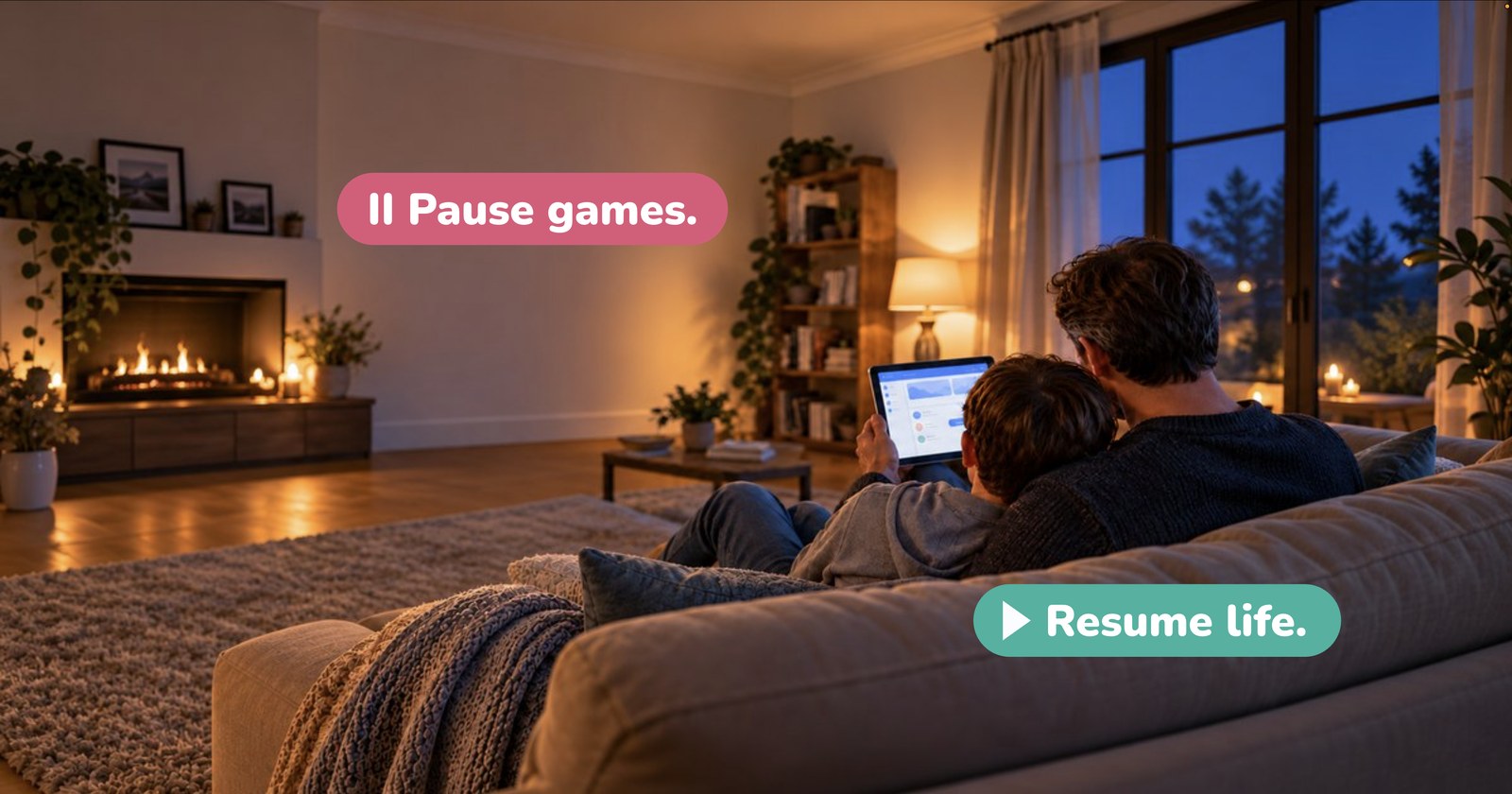
Pause games. Resume life.
Sources
- Tech Transparency Project: How Apple and Google Make It Easy for Kids to Access Nudify Apps (October 19, 2026)
- Inside Privacy: Utah Enacts App Store Accountability Act (2025)
- Texas Attorney General: app store age verification and parental approval law (June 1, 2026)
- Alabama Enacts App Store Accountability Act (March 2026)